01
Choose your studio
Open a studio’s shared link or search for its exact name. One MyoMesh account can belong to more than one participating studio.
Find your participating studio, explore classes and appointments, book with the practitioner you prefer, and keep your plans, payments, and upcoming visits together.
MyoMesh Book connects directly to each studio’s live MyoMesh schedule. Availability, practitioners, packages, memberships, and booking rules stay under the studio’s control.
Open a studio’s shared link or search for its exact name. One MyoMesh account can belong to more than one participating studio.
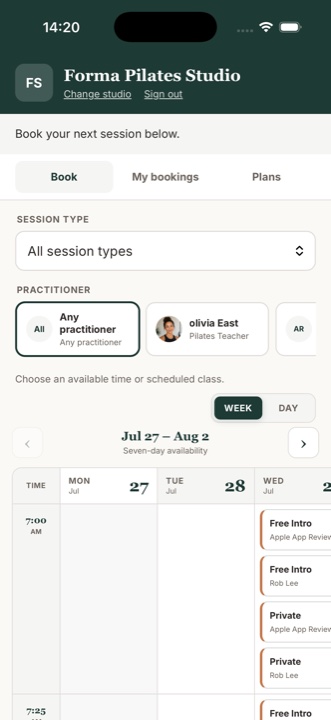
Filter by session type and practitioner, then compare a day list or a seven-day schedule.
Use an eligible package or membership automatically, pay the studio when needed, and see upcoming bookings in one place.
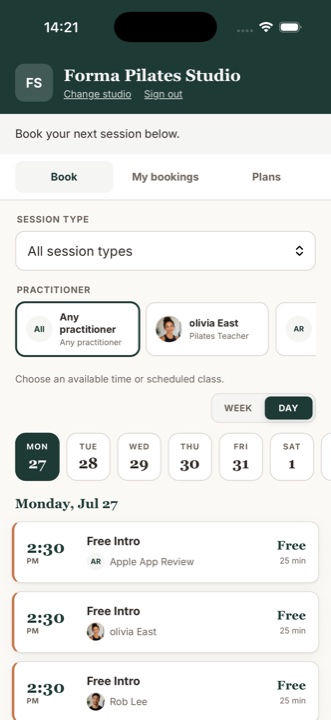
Switch between day and week views, view all session types or narrow the list, and compare every practitioner or just one.
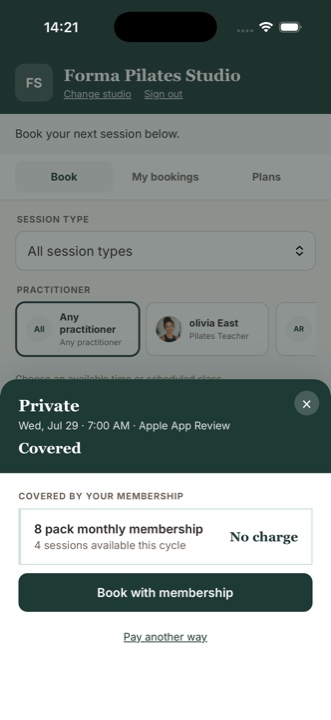
Eligible studio plans are recognized at checkout. When a booking is covered, the app shows that there is no additional charge before you confirm.
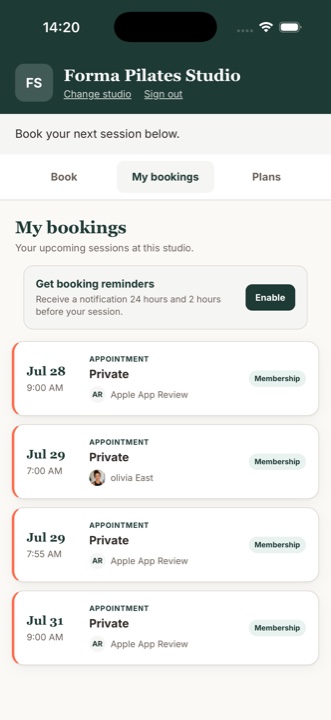
Open My bookings to confirm the date, time, session, practitioner, and how the visit was covered. Optional device reminders help keep the day on track.
Your account can work across participating MyoMesh studios, while bookings, packages, memberships, pricing, and policies remain with the studio that provides them.
Sign in with a verified email or mobile number so bookings and plans connect to the right studio client record.
The app reflects the schedules and online booking options each studio publishes.
Payments for real-world services are processed for the participating studio through its own payment setup.
See eligible plans and use them automatically when the selected session is covered.
Turn on device notifications for helpful reminders before upcoming appointments.
Contact the studio for booking policies and MyoMesh for help using the app.
From a secure sign-in to the day of your visit.
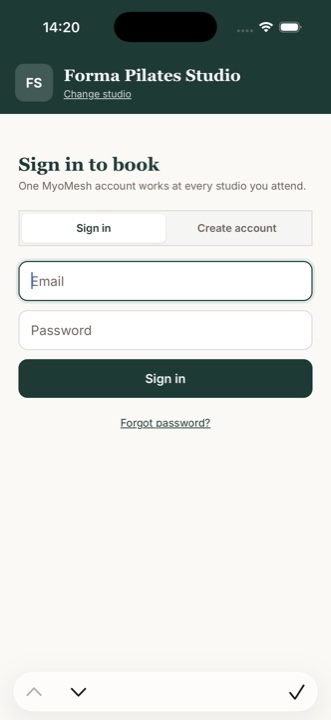
Create your account with the email or mobile number your studio recognizes. Mobile-only accounts verify by SMS and support password recovery by text.
See session times aligned across seven days.
Review the practitioner, duration, and price before checkout.
Confirm a covered booking without an additional charge.
Review upcoming studio visits and turn on reminders.
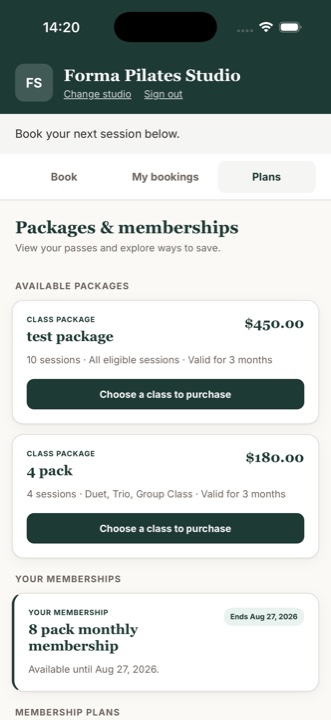
Explore packages, view memberships, and see what is active.
Screens show fictional Forma Pilates Studio test data. Features shown may depend on the participating studio’s settings.
MyoMesh Book is not an open marketplace. A participating studio will share its booking link or studio name so you can connect directly.
Some studios allow existing clients only. If your email or mobile number is not recognized, contact the studio so it can approve access.
No. Plans, credits, prices, policies, and payments belong to the studio that sold them.
The participating studio provides the class or appointment and manages its availability, cancellation policy, and payment account. Contact the studio first about a specific booking or charge.
Visit MyoMesh Book Support for sign-in, verification, studio connection, bookings, plans, reminders, and check-in guidance.
When your studio invites you to MyoMesh Book, use its link or exact studio name to connect and start booking.
Visit MyoMesh Book Support