Step by step
- 1
Open Clients and select Potential duplicates
- 2
Review the matching identity fields
- 3
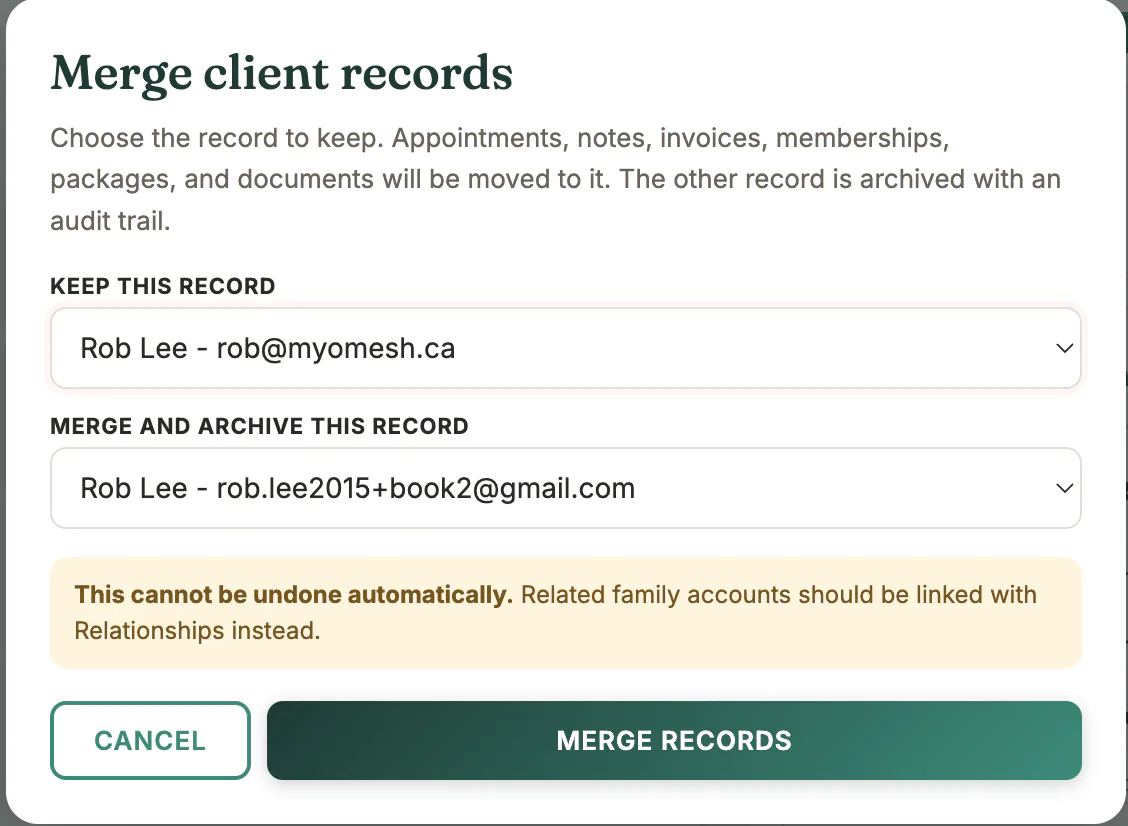
Choose Review merge and select the record to keep
- 4
Confirm the duplicate to archive
- 5
Review the retained appointments, notes, billing, plans, and documents
What to look for
Good to know
Available actions depend on practitioner permissions. Clinical and financial records remain separated according to those permissions.