Step by step
- 1
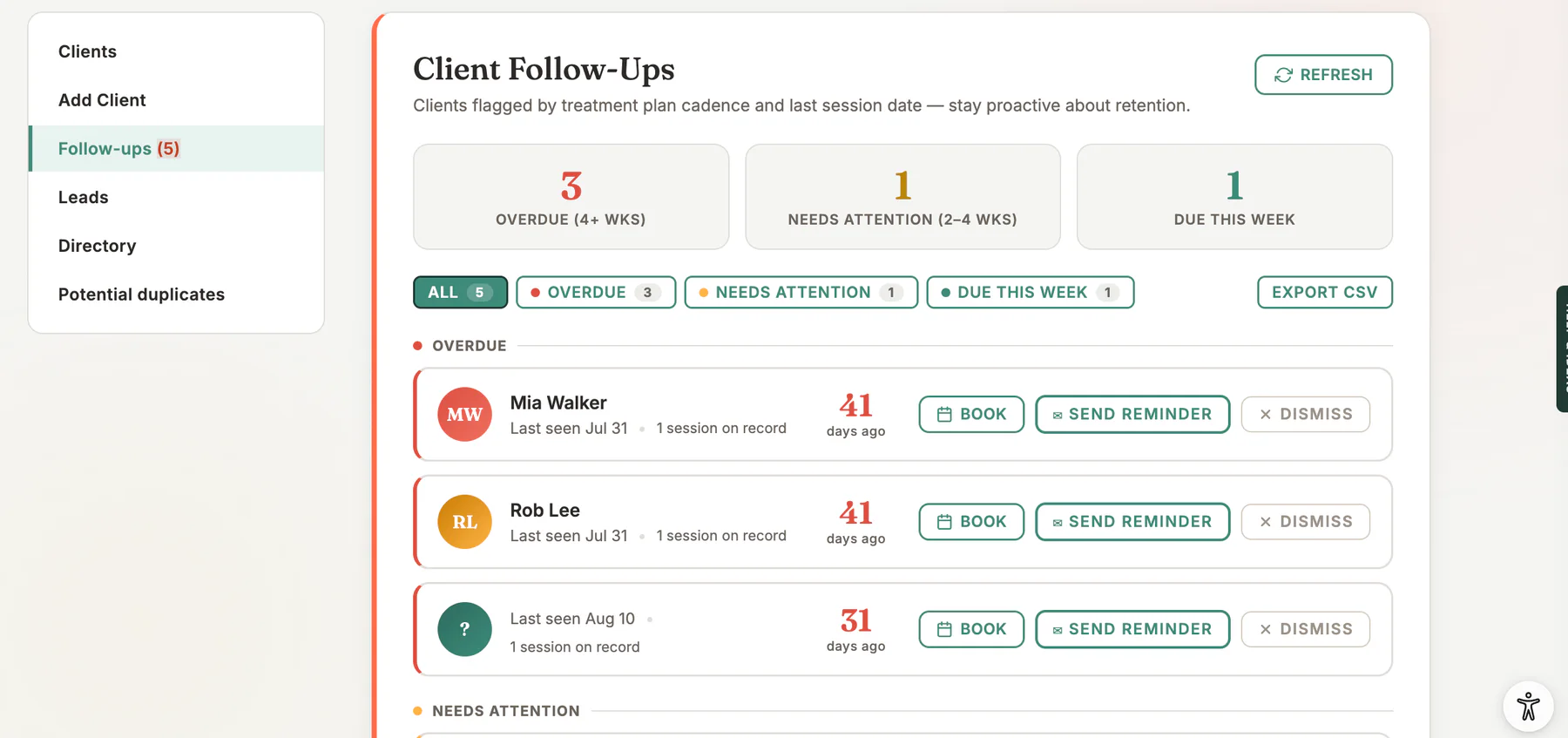
Open Clients and select Follow-ups
- 2
Review overdue, today, and upcoming items
- 3
Open the client for context
- 4
Complete or reschedule the follow-up
What to look for
Good to know
Available actions depend on practitioner permissions. Clinical and financial records remain separated according to those permissions.