Step by step
- 1
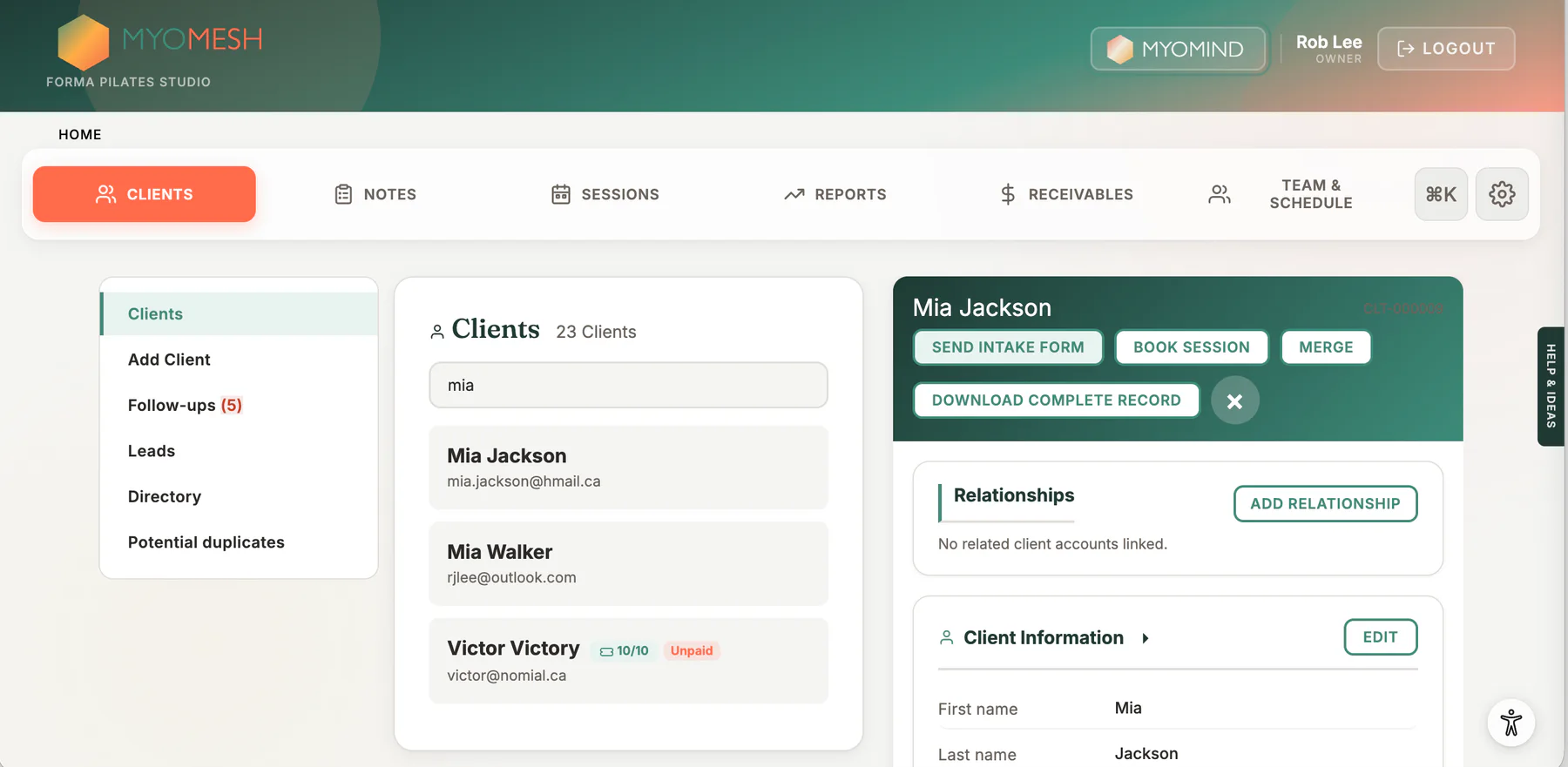
Open a client profile
- 2
Review Client Information
- 3
Choose Edit and update authorized details
- 4
Save and confirm the profile summary
Annual statements
- 1
Open the client profile and choose Annual Statement.
- 2
Select the year. The current year creates a year-to-date statement.
- 3
Choose Download PDF for a client-ready file, Print for a paper copy, or Download CSV for a spreadsheet.
The statement includes non-cancelled sessions plus successful payments and refunds recorded during the selected period. Staff need both report and export access.
What to look for
Good to know
Available actions depend on practitioner permissions. Clinical and financial records remain separated according to those permissions.