Where to find it
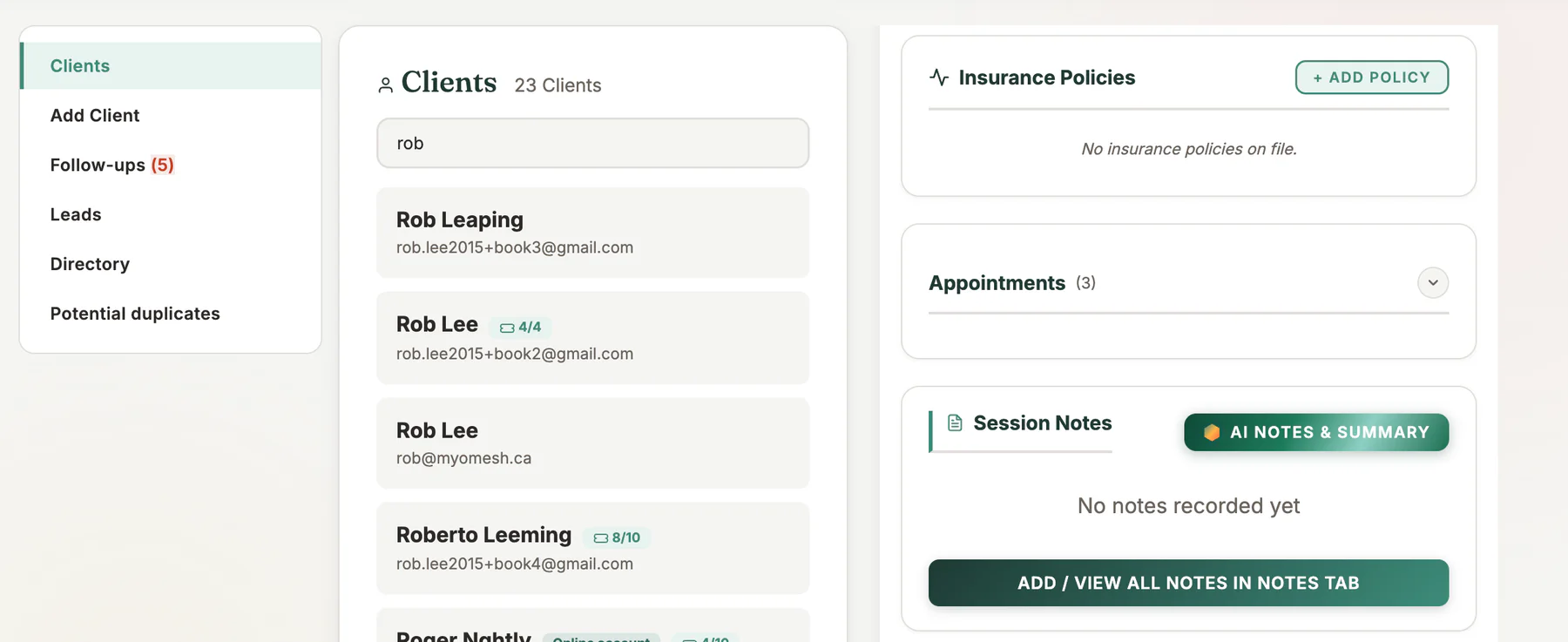
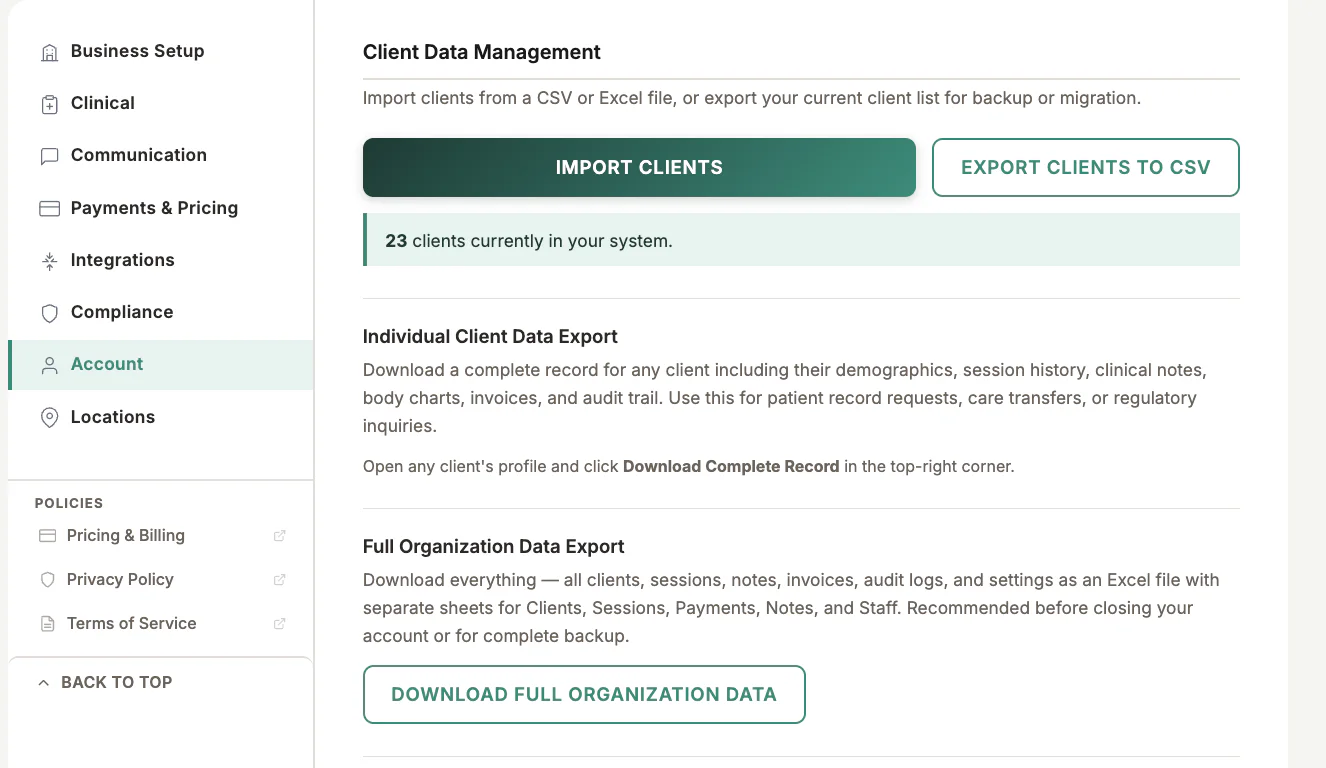
Open Clients, choose the client, and use the export control in the client profile.
Step by step
1
Verify the client
Check that you opened the correct record before exporting.
2
Choose the export
Select the complete client-record export rather than a single receipt or session note.
3
Review the included date range
Confirm the requested period and the information that will be included.
4
Create the file
Generate the export and wait for the download to finish.
5
Store or transmit securely
Save it only in an approved location and use a secure delivery method when sharing it.
Important checks
- Treat exports as sensitive records even after they leave MyoMesh.
- Verify the recipient before sending a record.
- Document the request and disclosure according to your privacy process.
Test safely: Use Firebase Dev and Stripe test mode for workflow tests. Do not create live client, payment, package, or membership records just to test a guide.