Step by step
- 1
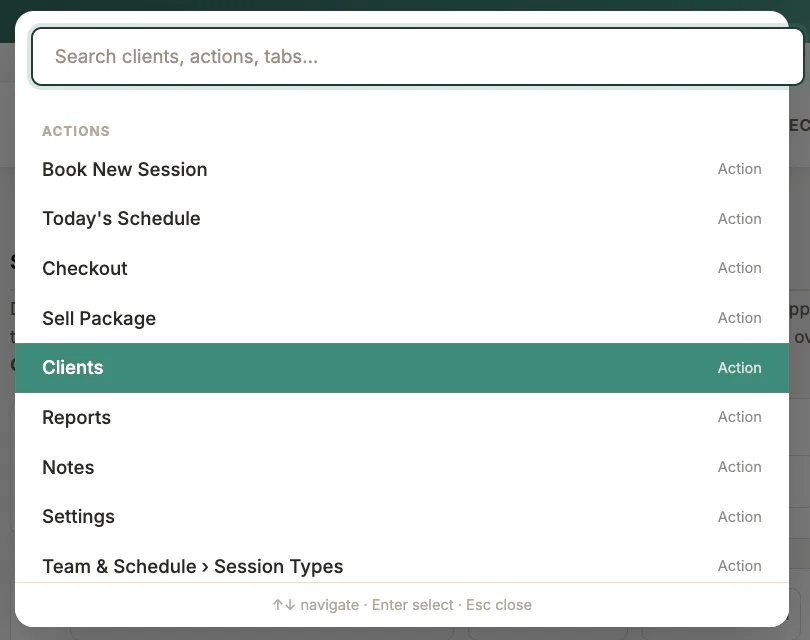
Press Command K on macOS or Control K on Windows
- 2
Type a client, destination, or action
- 3
Use arrows to select
- 4
Press Enter to open or Escape to close
What to look for
Good to know
Available actions depend on practitioner permissions. Clinical and financial records remain separated according to those permissions.