Step by step
- 1
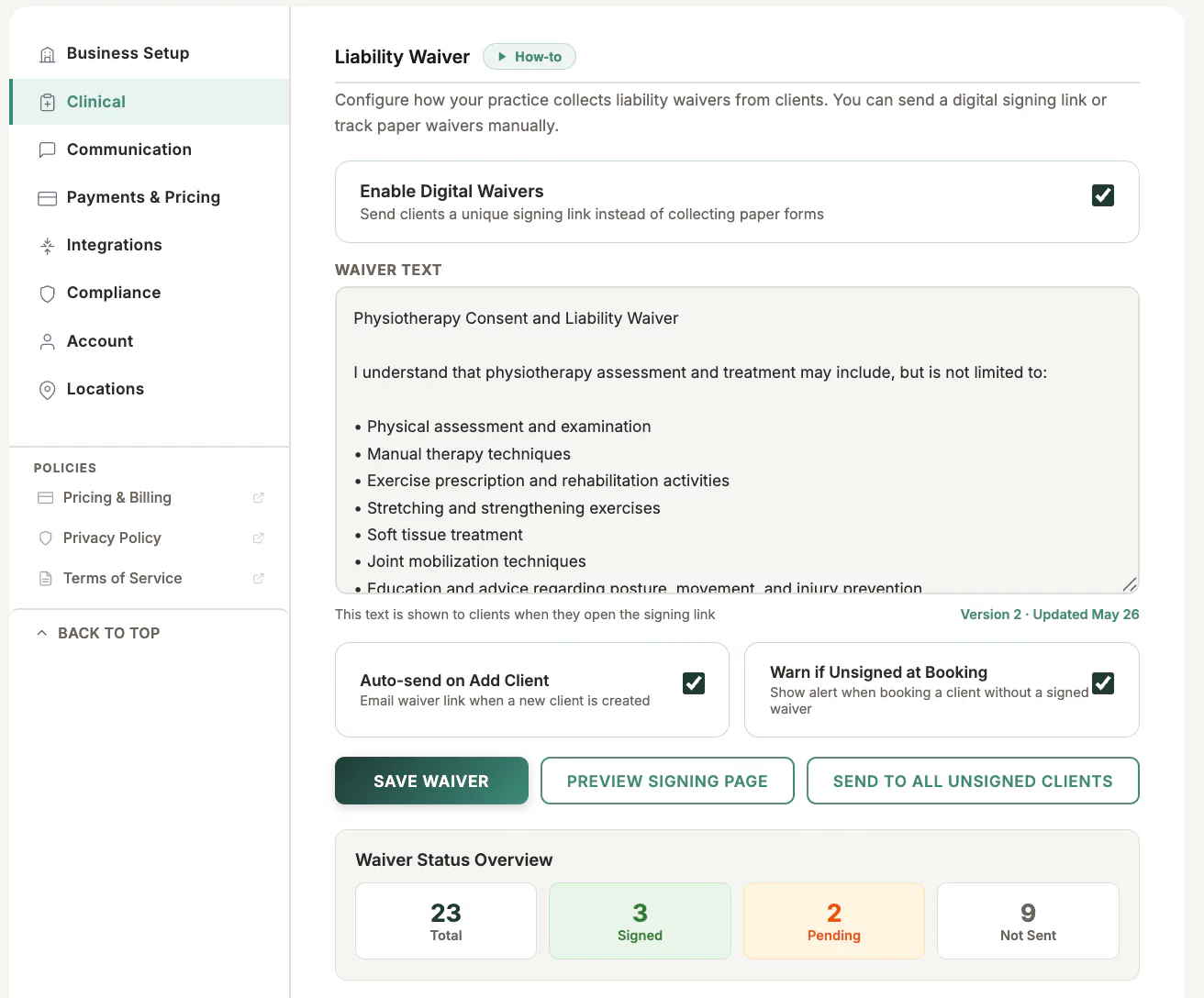
Open Settings and choose Clinical
- 2
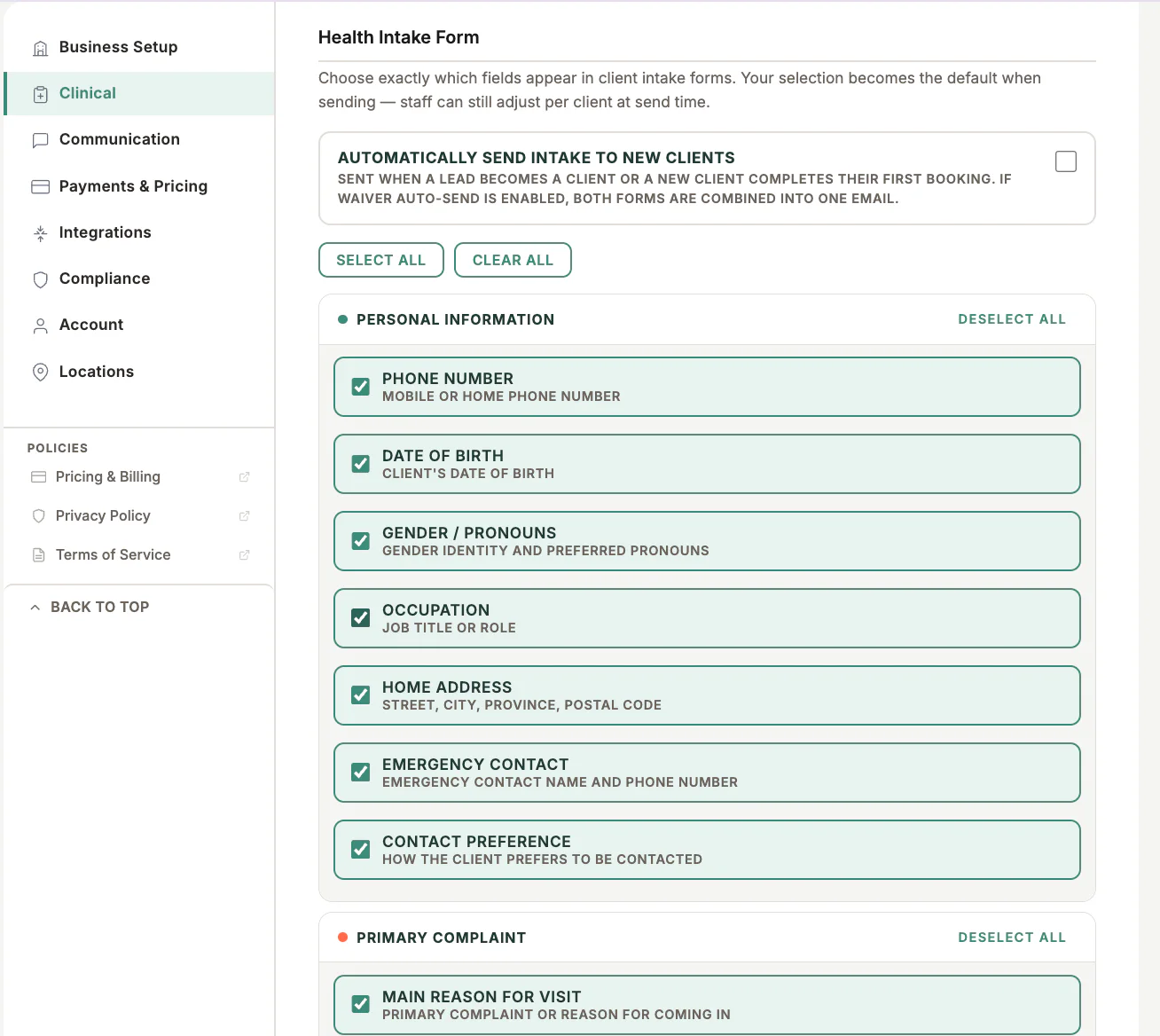
Configure health intake and waiver requirements
- 3
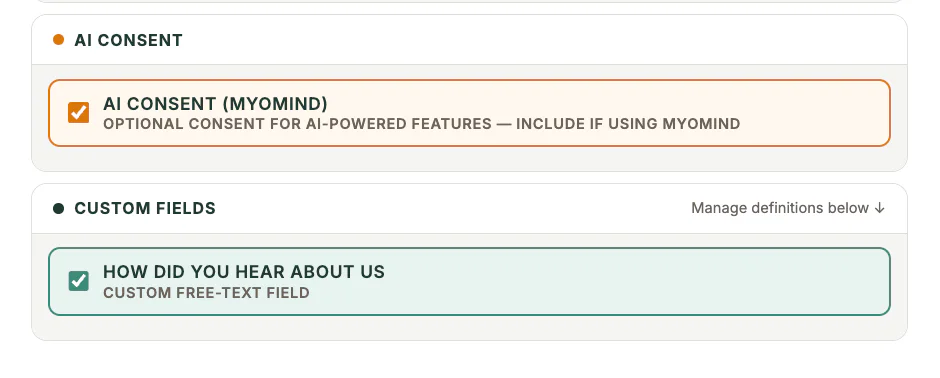
Enable AI consent when MyoMind will be used
- 4
Choose automatic sending for new clients
- 5
Save and test with fictional Firebase Dev data
What to look for
Good to know
Available actions depend on practitioner permissions. Clinical and financial records remain separated according to those permissions.