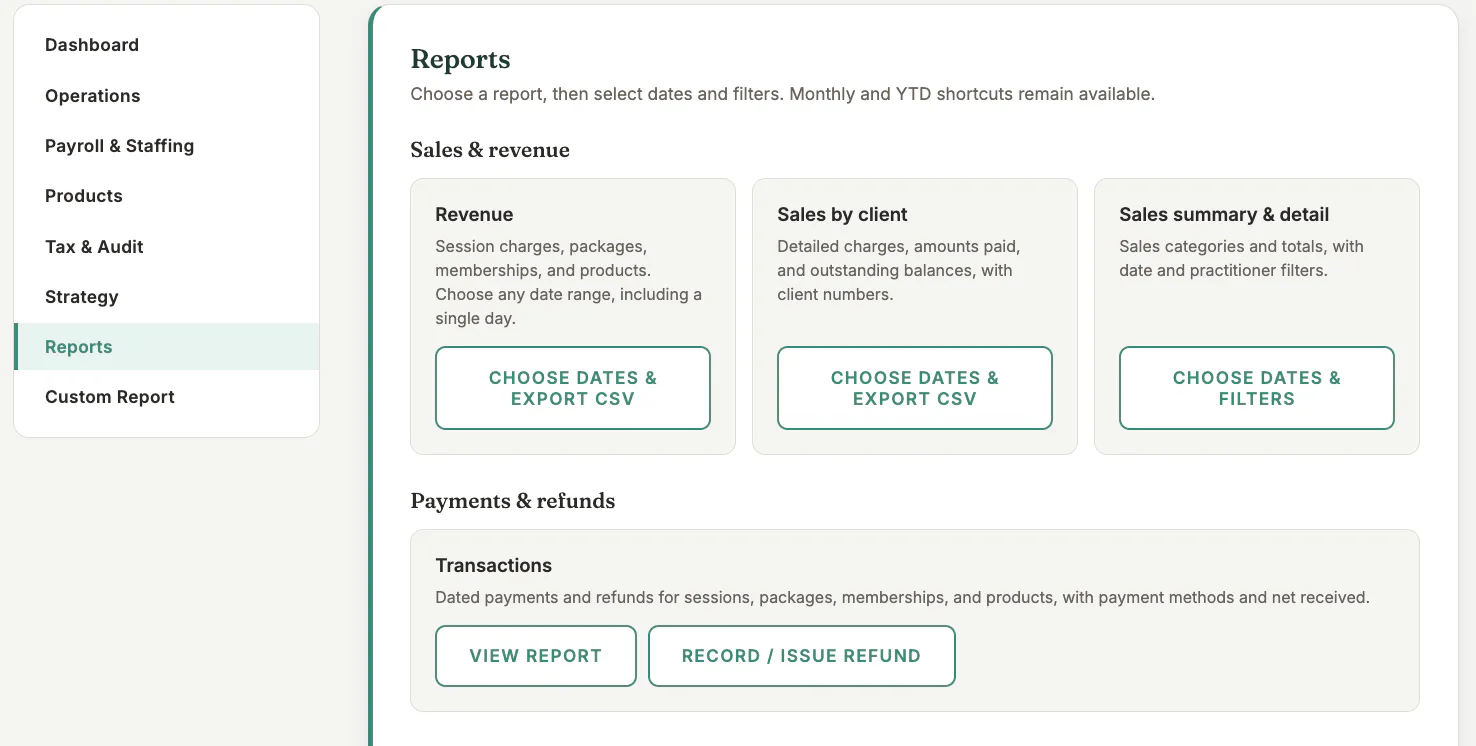
Where to find it
Open Reports from the main navigation, then choose Reports in the side navigation.
Step by step
1
Choose the date range
Select the available week, month, or custom reporting period.
2
Review totals
Compare revenue, taxes, payment methods, and any outstanding or written-off amounts shown.
3
Use the breakdowns
Filter or group by session type, practitioner, or payment method where available.
4
Investigate differences
Open the source session, package, membership, or payment before making a correction.
5
Export when needed
Download the available report for bookkeeping and store it securely.
Important checks
- Revenue and cash received may differ when invoices are unpaid or payments are deferred.
- Refunds and write-offs should remain visible in the audit trail.
- Reconcile Stripe payouts against Stripe, not only against booking dates.
Test safely: Use Firebase Dev and Stripe test mode for workflow tests. Do not create live client, payment, package, or membership records just to test a guide.