Step by step
- 1
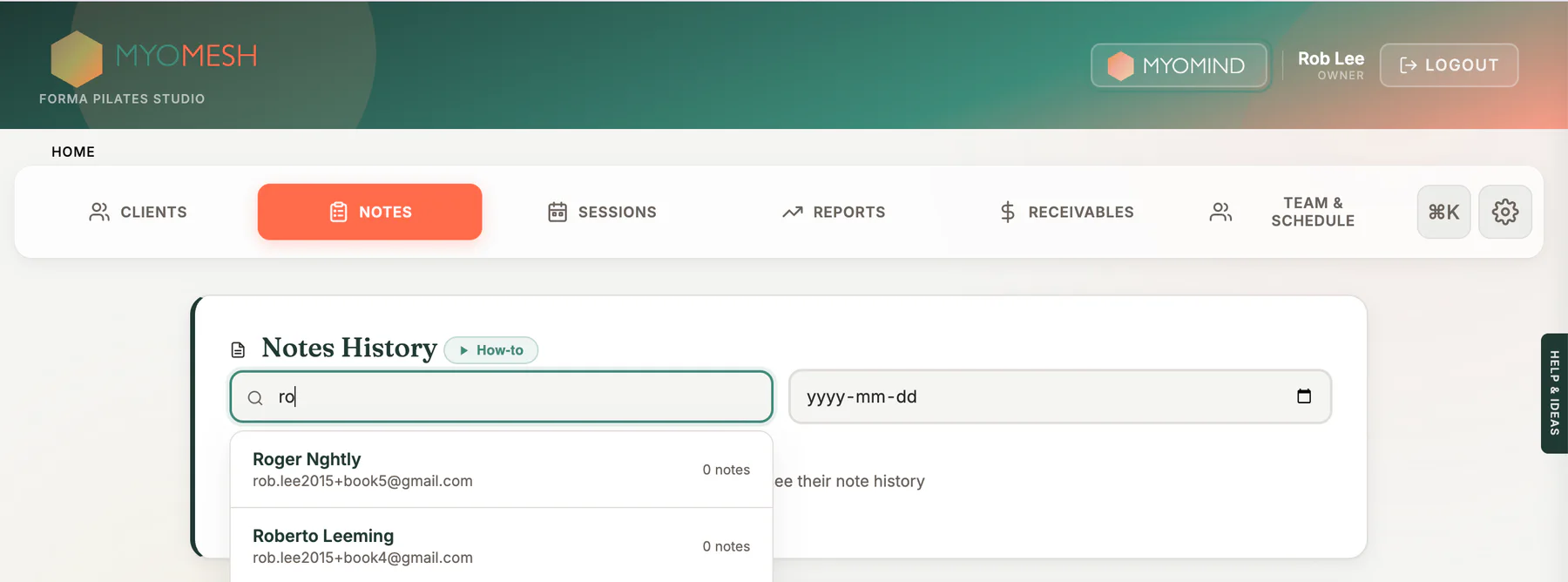
Open a client profile and locate Notes History
- 2
Find the note by date and practitioner
- 3
Open the note and body chart
- 4
Use an amendment for a locked signed record
What to look for
Good to know
Available actions depend on practitioner permissions. Clinical and financial records remain separated according to those permissions.