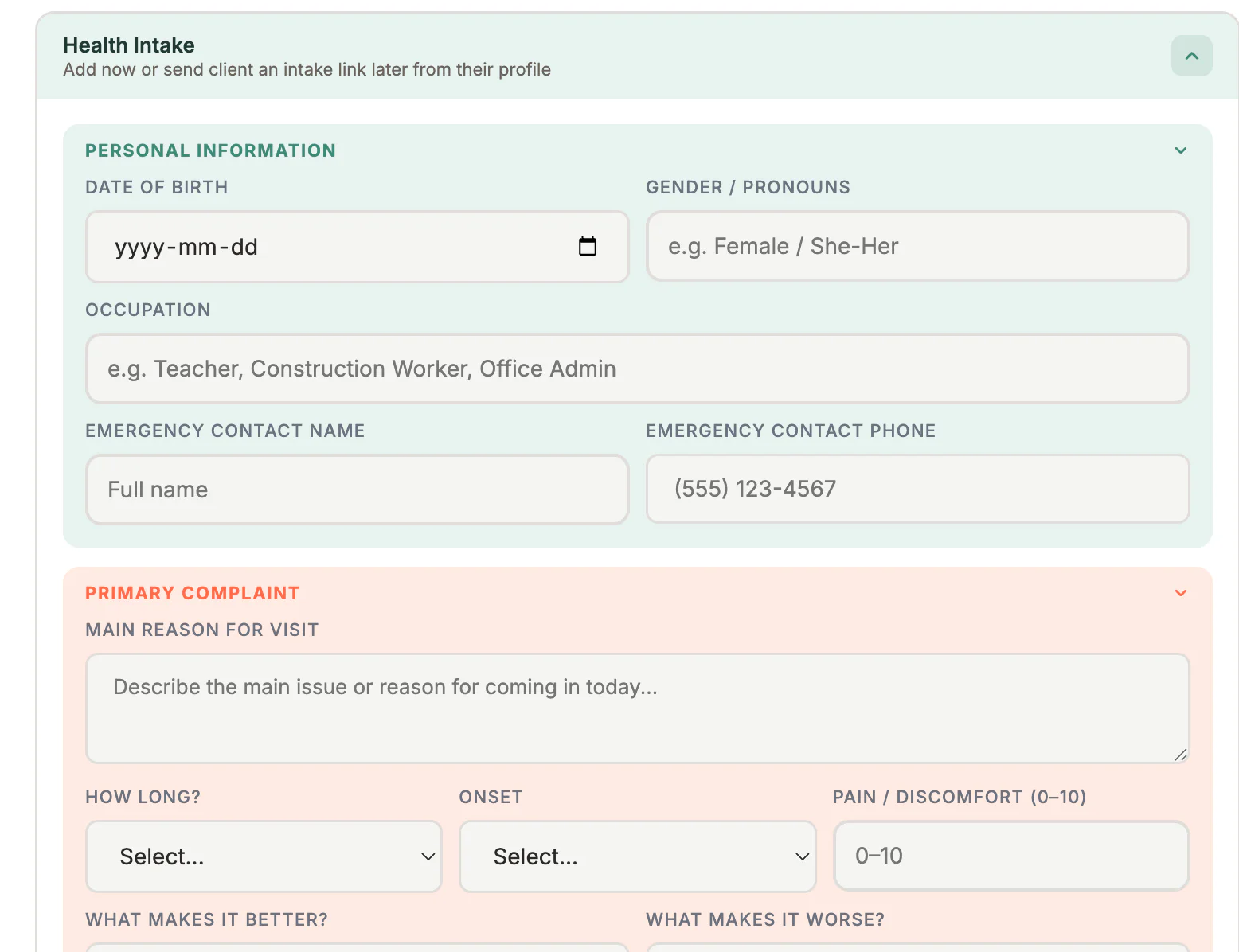
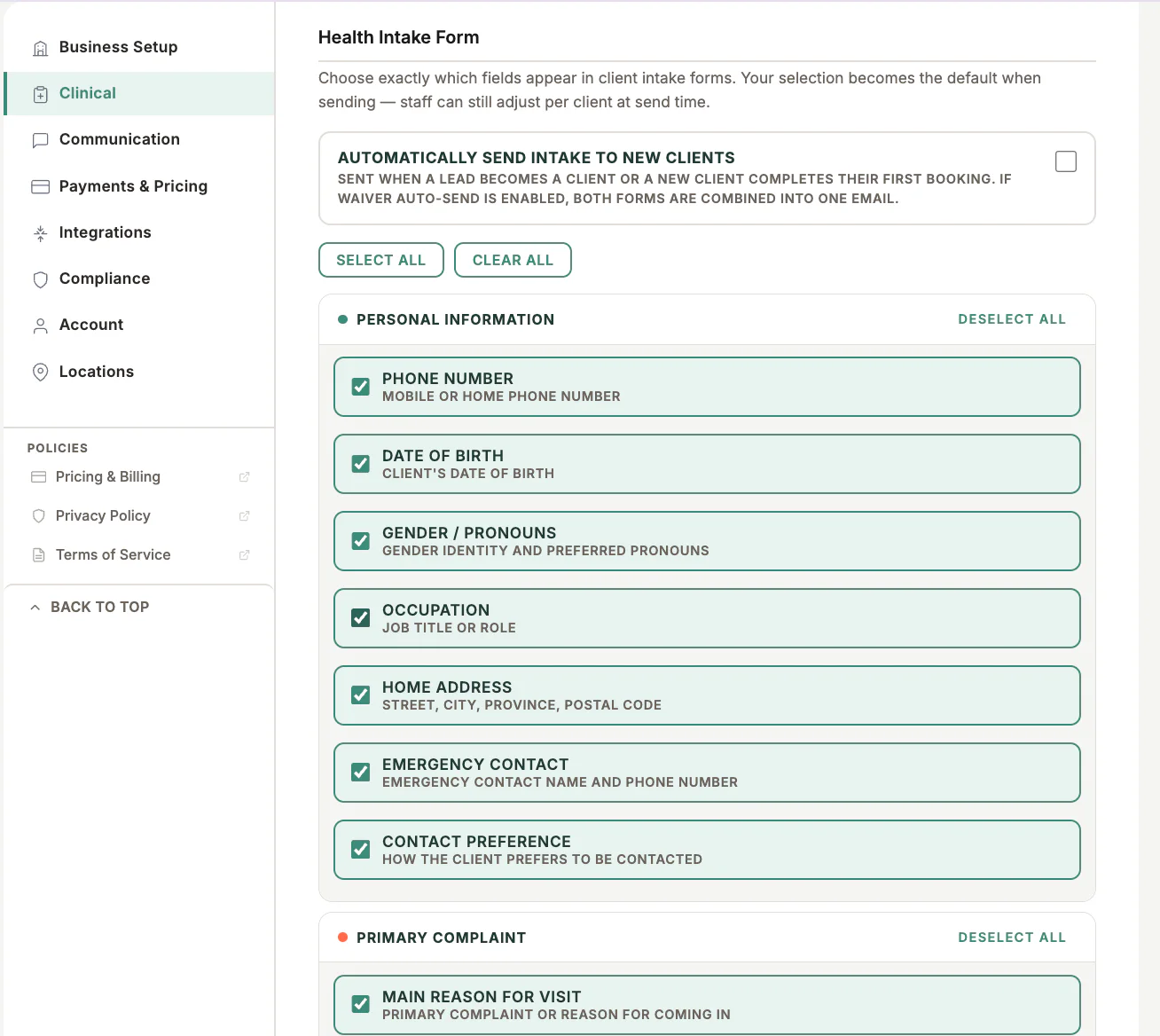
Where to find it
Open Clients, select the client, then use the intake-form action in the client profile.
Step by step
1
Open the client record
Confirm the client name and email address before creating the link.
2
Choose the intake sections
Select the health-history sections and any optional waiver or AI-consent section that applies.
3
Create the secure link
MyoMesh creates a client-specific link. Do not reuse it for another client.
4
Send or copy
Use Send Email, or copy the link and send it through your approved communication method.
5
Confirm completion
Return to the client profile to review the completion status and submitted information.
Important checks
- Do not send client links to shared or unverified addresses.
- If a link is no longer valid, generate a new link from the client record.
- Do not ask clients to send health information in ordinary email.
Test safely: Use Firebase Dev and Stripe test mode for workflow tests. Do not create live client, payment, package, or membership records just to test a guide.